Dashboard Summary
Quick tiles show cases in progress, cases shipped, and items that need the provider’s attention.

The provider dashboard gives practices a clear view of the case workflow. Providers can see cases in progress, shipped orders, action-required items, and recent case activity from one place.
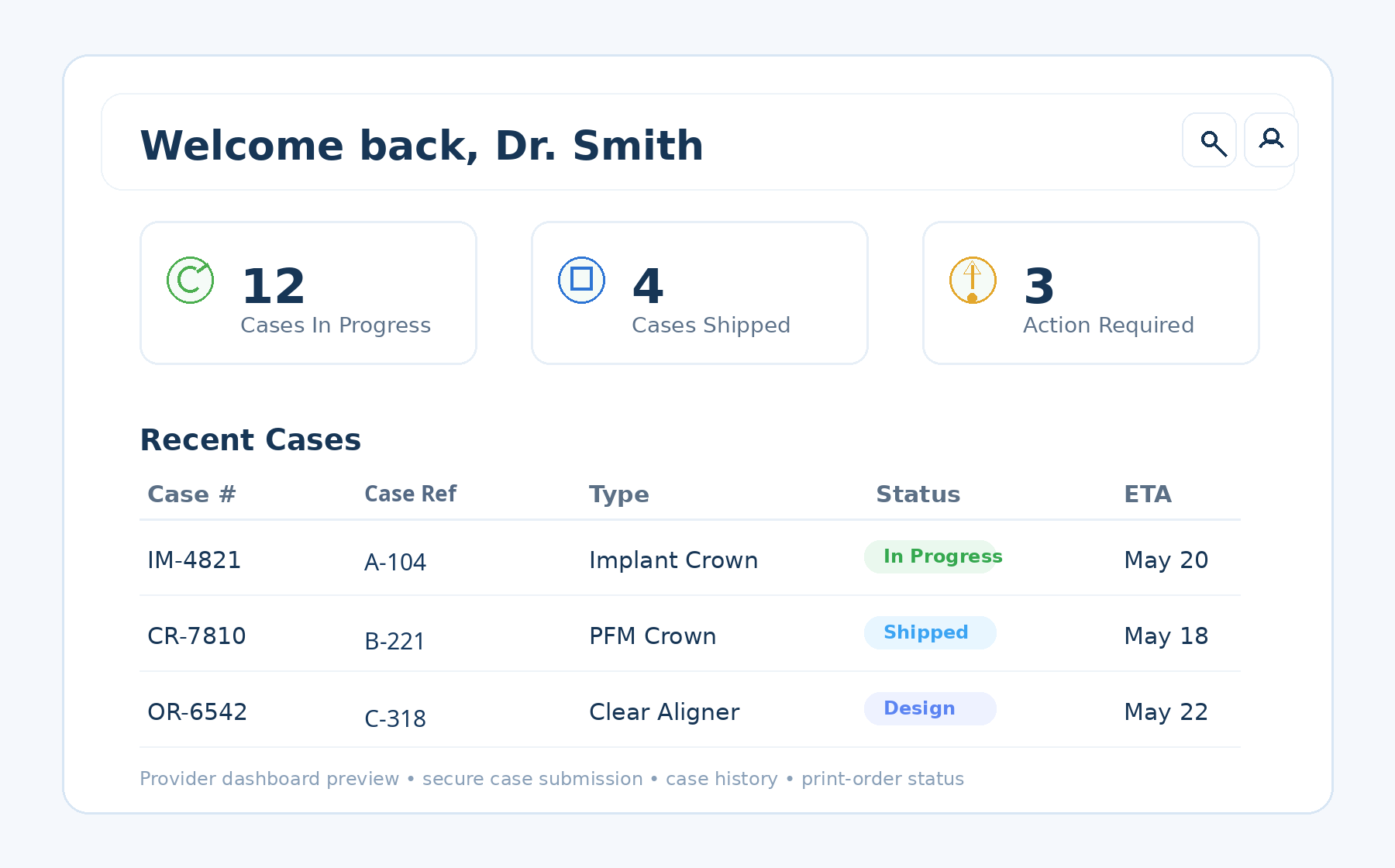
The preview below shows the style and content of the provider-facing dashboard, using a clearer, high-resolution portal image.
Quick tiles show cases in progress, cases shipped, and items that need the provider’s attention.
A recent-case list helps the provider review order numbers, de-identified case references, workflow type, status, and ETA.
The provider can quickly identify which orders are in progress, shipped, or still in design.
The preview is designed to keep order visibility and next-step awareness in a single provider-facing space.
A provider can quickly see how many submitted cases are currently moving through the production workflow.
The portal helps practices keep track of cases that have already been completed and shipped.
Attention items help identify cases that may need clarification, approval, or another provider action.
The recent-cases area gives fast visibility into active or recently completed workflow items.
Use the links below to move from information to action inside the ISO Metrik provider process.