Sign In
Use an approved provider account to enter the private provider workflow.

A secure workflow for approved dental providers to submit de-identified digital manufacturing files, review print estimates, follow case status, and access previous print orders.
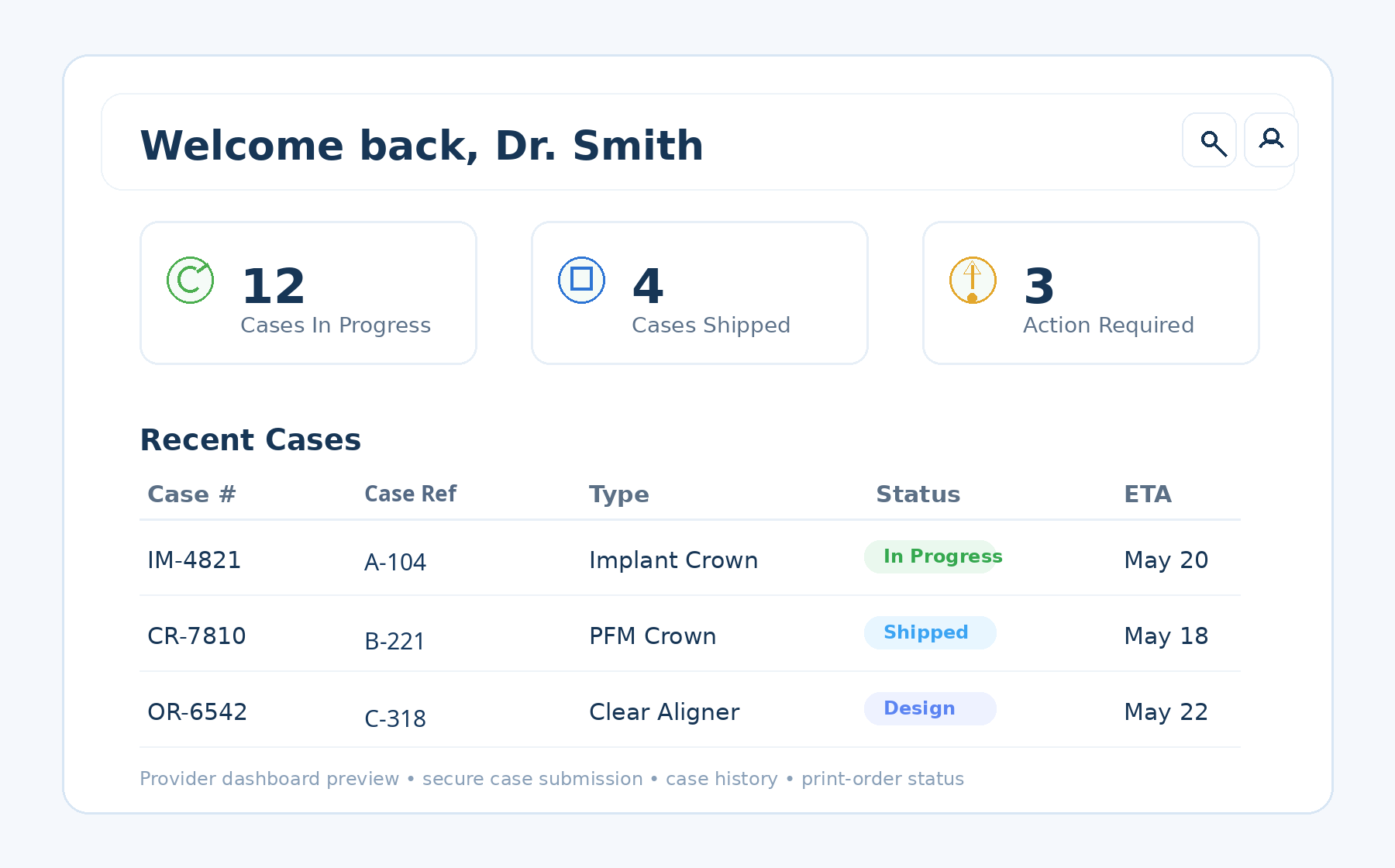
The portal keeps the provider-facing workflow in one place while preserving the existing ISO Metrik account approval and secure print-order process.
Use an approved provider account to enter the private provider workflow.
Submit a de-identified STL, FORM, OBJ, or PLY manufacturing file.
Select the material and quantity, then review printing and shipping estimates.
Follow submitted print orders as they move through review and production.
Review recent print orders and keep a record of previously submitted manufacturing files.
See whether a print order is pending, in process, completed, or requires additional action.
Authenticated providers can access files associated with their own print orders.
Use the provider workflow together with ISO Metrik support for questions about files, materials, or orders.
New practices can register for provider access. Approved providers can sign in and begin a case submission.