Approved Access
The provider signs in to the secure workflow using an approved provider account.
A provider case begins inside the secure ISO Metrik workflow. Approved providers upload de-identified manufacturing files, choose materials, attach instructions, and review pricing before the case enters production.
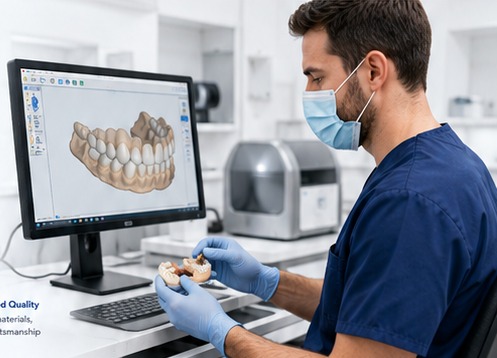
Each submission is prepared so the lab has the files and instructions required to begin the requested print or production workflow.
The provider signs in to the secure workflow using an approved provider account.
Compatible de-identified STL, FORM, OBJ, or PLY files are uploaded to the portal.
Rx notes, attachments, material preferences, and order details are included with the case.
The provider reviews print cost, materials, shipping estimate, and the final submission summary.
Submit the de-identified scan or manufacturing file used for the requested print or laboratory workflow.
Include the provider-directed notes, clinical instructions, and any relevant preferences for the order.
Photos and reference attachments can be added when they support the case and the requested production process.
Before final submission, the provider reviews pricing, materials, and delivery details inside the secure workflow.
Use the links below to move from information to action inside the ISO Metrik provider process.